Automotive workshops & dealers

Garage management software that settles “I never authorised that”

Covadesk ties every hour and every part on a job card to the estimate line that authorised it. Unauthorised work, overruns and work the customer agreed to but never got are three separate numbers — and the workshop, parts store and accounts run on one system.

Built for: Independent garages, franchised service centres, body shops, fleet workshops and vehicle dealerships.
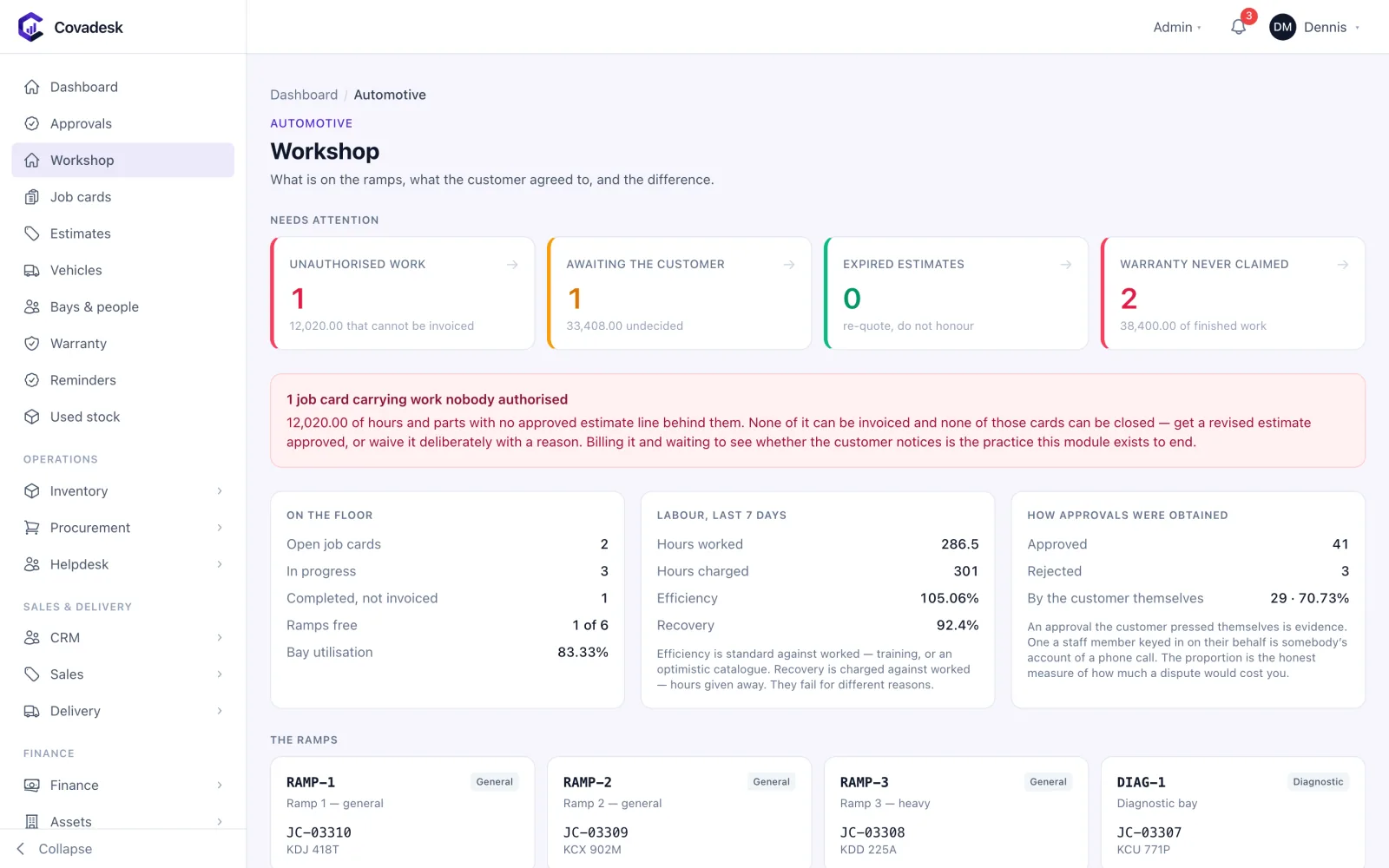
Covadesk automotive workshop dashboard with unauthorised work alerts, technician efficiency and bays

The problems we solve

Where workshops and dealers lose money — and how Covadesk closes the gap

  • Disputes over work nobody approved

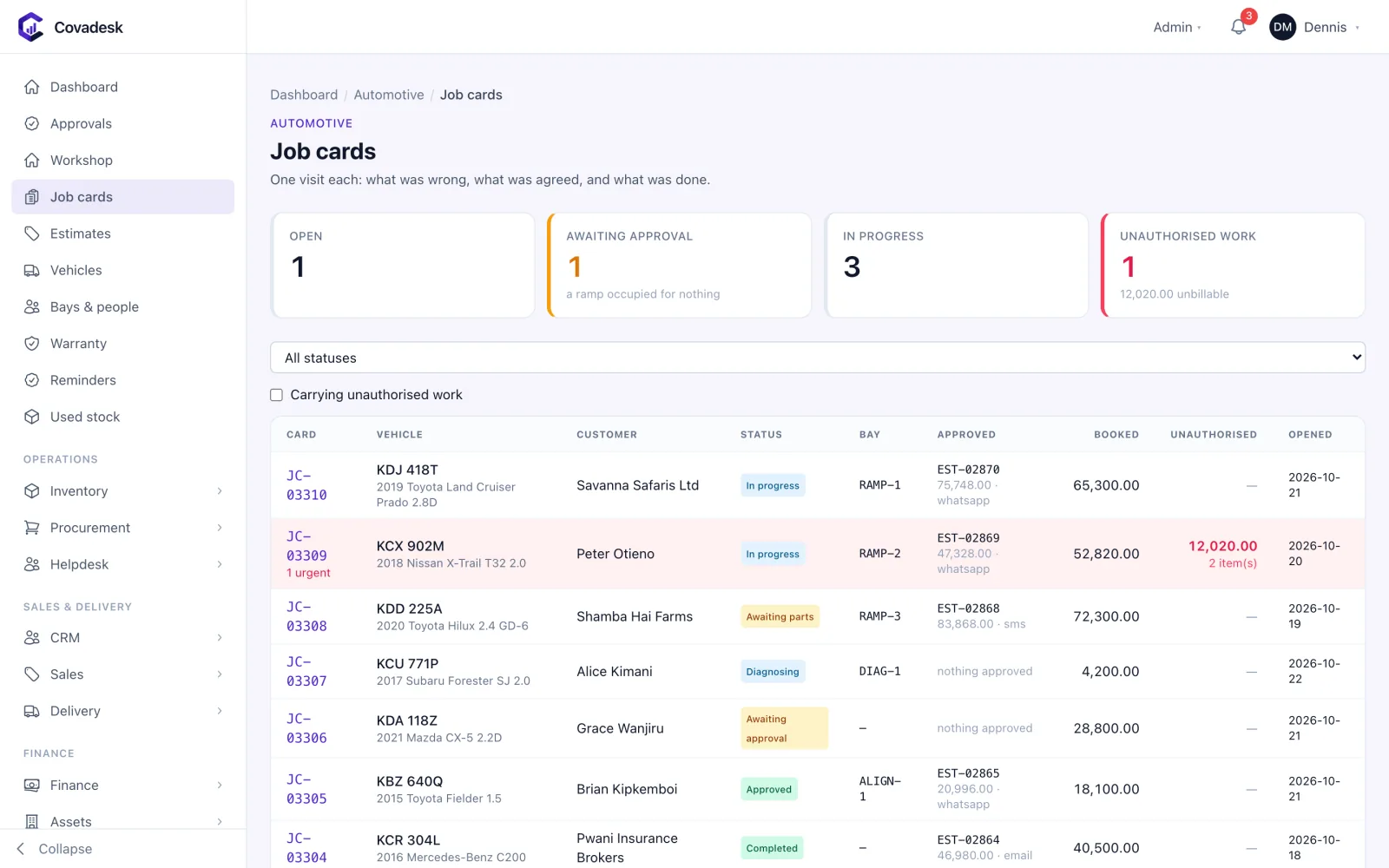
    Work booked against no estimate line is flagged as unauthorised before the car leaves, and named item by item.

  • Approvals taken over the phone

    An approval the customer gave themselves is recorded differently from one staff keyed in for them — both legitimate, worth very different amounts in a dispute.

  • Reminders that annoy the wrong customers

    Service due dates are projected from each car’s own mileage rate, so a taxi and a weekend car are chased on their own clocks.

  • Parts that walk

    Parts are issued from stock to the job card that used them, so every fitted part is billed or explained.

See it in action

What workshops and dealers see in Covadesk

Real Covadesk screens, shown with sample data.

Covadesk automotive workshop dashboard with unauthorised work alerts, technician efficiency and bays

What is on the floor, what the customer agreed to, and the difference.
Features

Everything workshops and dealers need, in one system

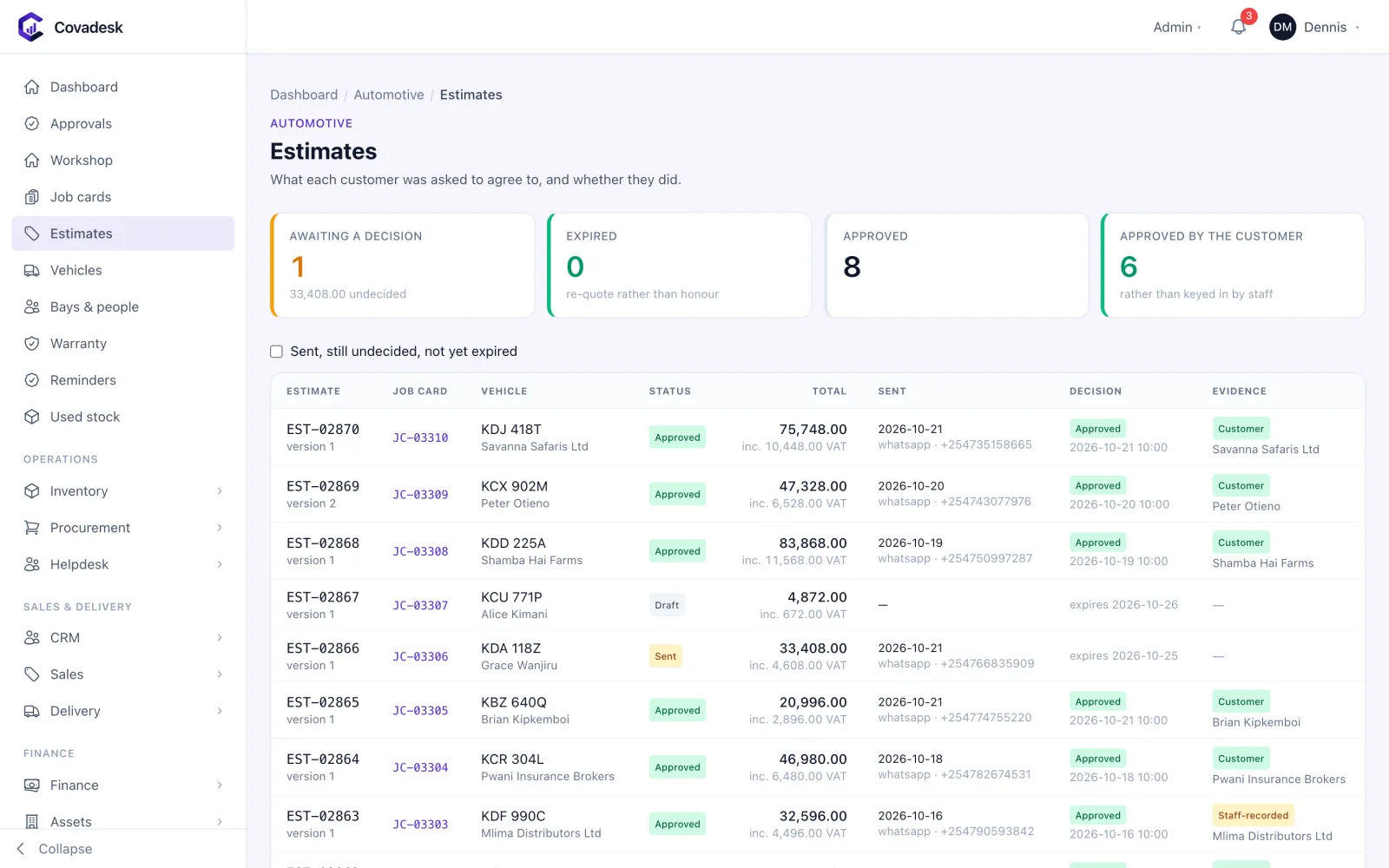
Estimates and approval

What the customer agreed to, and when.

  • Labour and parts estimates with VAT, versioned on every revision
  • Approval by the customer or recorded on their behalf, kept distinct
  • Expired and partly-approved estimates surfaced

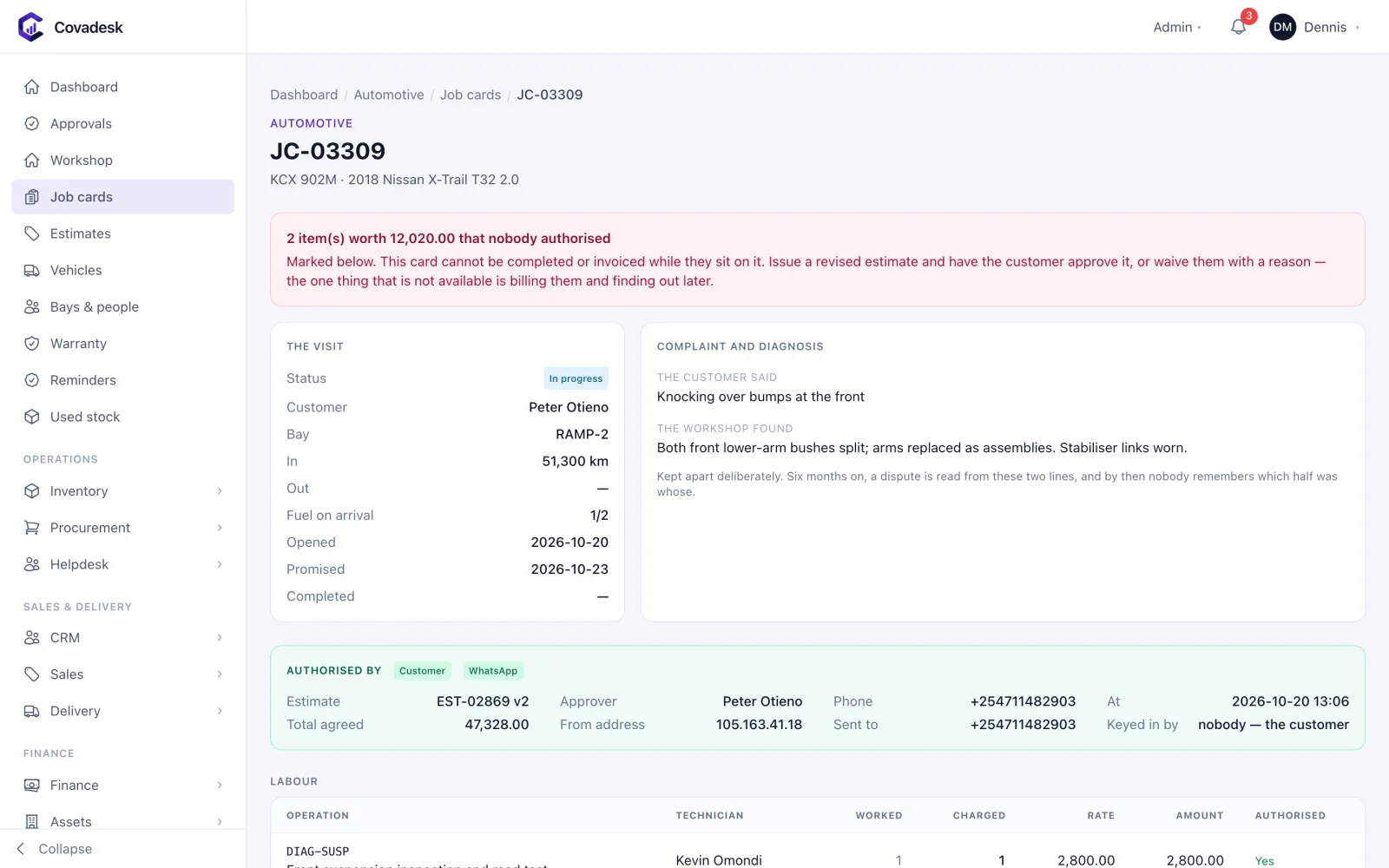
Job cards

What was actually done to the car.

  • Labour hours and parts booked against authorising estimate lines
  • Unauthorised work, overruns and unbilled authorised work reported separately
  • Unauthorised work is never deleted — only waived by a named holder of the waiver permission
  • Invoice raised from the job card and posted to the ledger

Workshop floor

Bays, technicians and the standard times that measure them.

  • Bay board showing what is in each bay
  • Technician efficiency and recovery against standard times
  • Standard labour operations with hours and rates

Vehicles and aftersales

The car’s history, and when it is due back.

  • Vehicle register with ISO VIN check-digit validation and grey-import chassis numbers
  • Service history per vehicle
  • Service reminders from observed mileage as well as the calendar
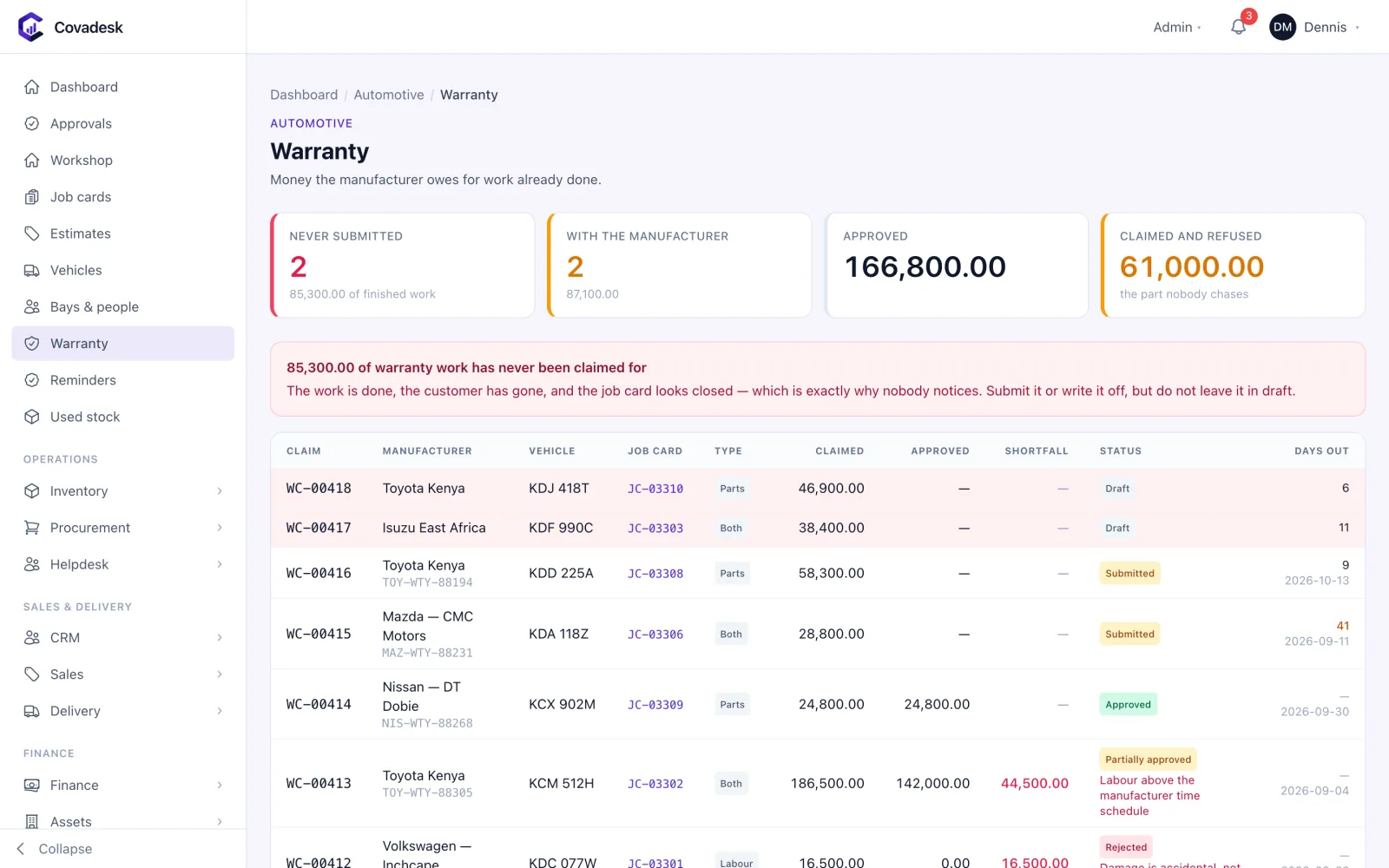
  • Warranty claims tracked to recovery

Parts and dealership

The stock behind the workshop.

  • Parts stock, reorder levels and supplier purchasing
  • Vehicle sales for dealerships
  • Customer CRM and a service helpdesk

How it flows

One process, start to finish

  1. 01

    Check in

    Find or register the vehicle and open a job.

  2. 02

    Estimate

    Price labour and parts and send the estimate.

  3. 03

    Approve

    Record the customer’s approval — theirs or on their behalf.

  4. 04

    Work

    Book hours and parts against the approved lines.

  5. 05

    Check

    Anything unauthorised is flagged before invoicing.

  6. 06

    Invoice and remind

    Bill from the job card; the next service is projected.

Modules included

The Automotive Workshops & Dealers pack

Service workshops, spare parts and vehicle dealerships.

Industry modules for workshops and dealers

Switched on by the pack from day one, on top of the backbone below.

  • CRM

    Commercial

    A sales pipeline that ends in a real invoice

    • Leads, contacts and accounts linked to the customer ledger
    • Opportunity pipeline by stage with weighted forecast and win rate
    • Follow-ups and activities assigned to owners with due dates
    • Lost reasons captured so the pipeline teaches you something
  • Helpdesk / Service

    Commercial

    Service tickets with SLAs you can actually see

    • Ticket queue with priority, owner and status
    • SLA targets with breach tracking
  • Automotive Workshops

    Operations

    Job cards the customer approved, parts that were fitted

    • Estimates sent to the customer and approved — by them or on their behalf
    • Job cards that flag any work done without approval
    • Workshop bays, technicians and standard labour times
    • Vehicle register with service history and reminders
    • Warranty claims and parts stock

The backbone every Covadesk business runs on

The same core modules run across every industry, so purchasing, stock, sales, accounts and people share one database and one version of the truth.

  • Procurement

    Operations

    Buy with control, from requisition to supplier payment

    • Purchase requisitions routed for approval by value, branch and role
    • Requests for quotation with side-by-side supplier comparison and award
    • Purchase orders that inherit item VAT rates and approved prices
    • Goods received notes with QA tolerance bands for weight, moisture and grade
    • Three-way match of PO, GRN and supplier invoice before anything is paid
    • Supplier advances tracked and recovered against later invoices
    • Supplier register with categories, terms and performance history
  • Inventory

    Operations

    One stock figure that finance and the store agree on

    • Multi-warehouse stock levels, by item, location and batch
    • Batch and expiry tracking with QA holds that block issue until released
    • Inter-branch and inter-warehouse transfers with in-transit stock
    • Stock takes with variance approval and automatic write-off postings
    • Reorder levels per warehouse and full movement history per item
    • Stock ageing and valuation reports that tie to the general ledger
    • Units of measure with conversions — buy in bags, sell in kilos
  • Sales

    Commercial

    Quote, sell, invoice and collect in one flow

    • Quotations that convert to sales orders, delivery notes and invoices
    • Counter POS and counter sales with cash, M-Pesa, card and voucher tenders
    • Price lists and customer categories with credit limits enforced at order time
    • Credit notes, returns and receipts — including refunds on the receipt
    • AR ageing, dunning and credit-override approvals with an audit trail
    • Van sales with load-out, field selling and end-of-day reconciliation
    • Sales commissions and a sales register by channel and period
  • Finance & Accounting

    Finance

    A general ledger every module posts into as it happens

    • Chart of accounts, accounting periods and period close
    • Journals with approval, plus automatic postings from every module
    • Bank accounts, statement import and bank reconciliation
    • Supplier payments, petty cash and AP ageing
    • VAT and withholding tax computed at the transaction line, with returns data
    • Budgets by account and cost centre, with budget-versus-actual
    • Trial balance, profit and loss, balance sheet and cash flow on demand
  • Human Resources

    People

    Your people, their records and their requests in one place

    • Employee records with contracts and organisation structure
    • Leave policies, balances, requests and approvals — with self-service
    • Attendance capture and shift rosters
    • Appraisals and disciplinary cases with a recorded outcome
    • An HR service desk for employee requests
  • Payroll

    People

    Kenyan payroll that is right the first time

    • Pay runs with maker-checker approval before release
    • PAYE on current KRA bands with personal relief
    • NSSF, SHIF and Affordable Housing Levy calculated per employee
    • Salary structures, allowances, deductions and staff loans
    • Statutory return files and payslips generated from the same run
    • Payroll journals posted straight to the general ledger
  • Fixed Assets

    Finance

    A fixed asset register your auditor will sign

    • Asset register by category, location and custodian
    • Scheduled depreciation posted to the ledger
    • Disposals with gain or loss calculated and booked
    • Transfers between branches with history
  • Delivery & Fleet

    Operations

    Get orders out of the gate and onto the road

    • Dispatch runs that load delivery notes onto a vehicle and driver
    • Vehicle and driver registers with documents and expiry dates
    • Delivery routes and run status from loading to complete
    • Fuel issues and vehicle maintenance logged per vehicle
  • Reports & Analytics

    Insights

    Answers across every module, without exporting to Excel

    • Executive dashboard with cash, sales, stock, output and receivables
    • Ready-made payroll, HR, sales, stock and finance reports
    • Saved reports, with exports to CSV, Excel and PDF
  • Integrations

    Settings

    Connected to the systems Kenyan businesses depend on

    • KRA eTIMS invoice and credit-note transmission with retry and a send log
    • M-Pesa C2B, STK Push and B2C through Daraja, matched to customer accounts
    • SMS and email notifications
    • Webhooks and API keys for your own systems

Add more when you need it

Any other module can be switched on for your organisation — same data, nothing to re-implement.

  • Projects & Job Costing
  • Warehouse Management
  • Manufacturing (Work Orders & MRP)
  • Quality Management (QMS/LIMS)
  • Maintenance (CMMS)
  • Contract Management
  • Documents
  • Customer & Supplier Portals
  • BI & Workflow Builder
  • Production (Batch/Process)
  • DigiSales (Field Sales)
  • Milling Intake & Weighbridge
  • Construction & Contracting
  • Real Estate & Property
  • SACCO / Microfinance
  • Logistics / 3PL
  • Agriculture & Agribusiness
  • Fuel Stations & Petroleum
  • Professional Services
  • NGO / Donor-Funded
  • Hospitality

Compliance

Kenyan rules, built in

KRA eTIMS
Workshop invoices transmitted to eTIMS.
M-Pesa
Customer payments received and matched to invoices.
Payroll statutory
Technician payroll with PAYE, NSSF, SHIF and Housing Levy.

Questions

Covadesk for workshops and dealers: common questions

How does Covadesk prevent disputes over unauthorised repairs?

Every labour hour and part booked to a job card cites the estimate line that authorised it. Work with no authorising line is flagged as unauthorised and itemised, overruns are reported separately, and authorised work that was never done is shown as unbilled.

Does it work with grey-import chassis numbers?

Yes. Seventeen-character ISO VINs are validated with their check digit; Japanese chassis numbers common on grey imports are recorded as given and marked as unverifiable rather than rejected.

How are service reminders scheduled?

Covadesk projects the next service from the vehicle’s own observed mileage rate as well as the calendar interval, and reminds on whichever comes first.

Can dealerships sell vehicles in Covadesk?

Yes. Vehicle sales run alongside the workshop, parts and finance modules.

See Covadesk running for workshops and dealers

Book a 30-minute demo. Bring a real problem — a stock variance you can’t explain, a payroll run that takes three days — and we’ll show you how it works in Covadesk.

Prefer to talk? Call +254 117 390 922 or email info@fecn.co.ke